lesson 1. four lights at midnight
OP–XY course
press Tempo and turn the dark gray encoder to 88 BPM. you will build four layers; bass, strings and pluck span four bars.
the finished form is a weightless intro, two full grooves, a drumless break, a return and a final scene. its order is 1–2–2–3–2–4: six four-bar entries, 24 bars, about 65 seconds at 88 BPM.
press Project to open the project view.
hold M1 for a new project.
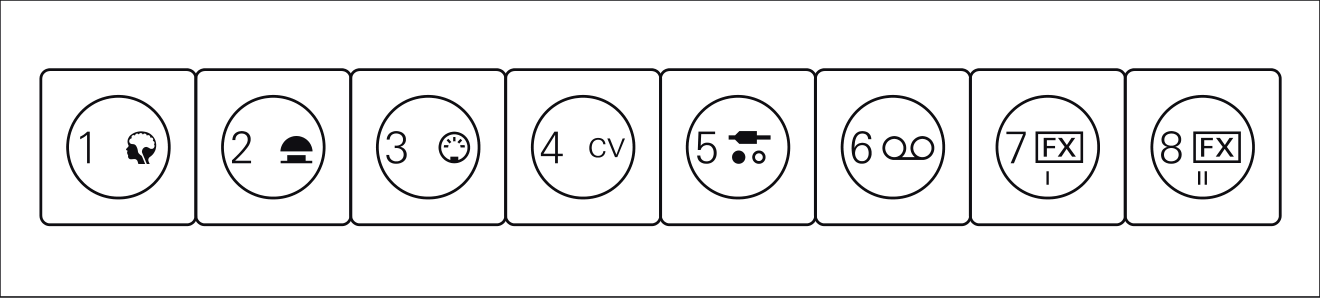
keep the default sounds: track 1 drums, track 3 bass, track 4 pluck and track 7 strings.
1.1. drums and one ratchet
press Instrument, then track 1.
select the lowest F kick.
press steps 1, 5, 9 and 13.
press Play, hear four even kicks, then Stop.
select the adjacent G snare.
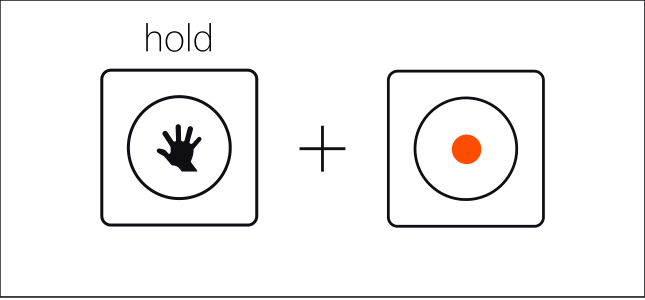
hold G and tap Record to show only the snare lane.
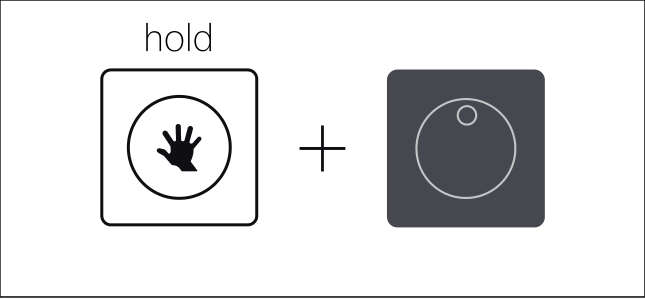
keep holding G and press steps 5 and 13, then release.
press Play, hear kick plus snare, then Stop.
select the C-sharp hi-hat.
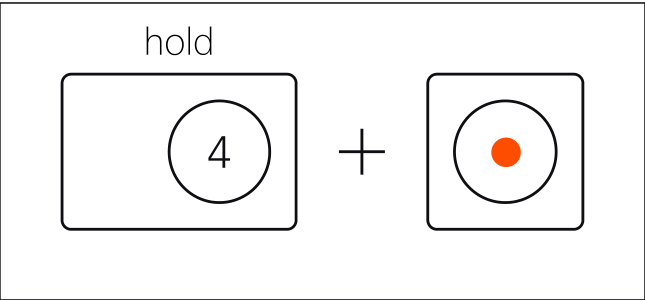
hold C-sharp and tap Record to show only the hi-hat lane.
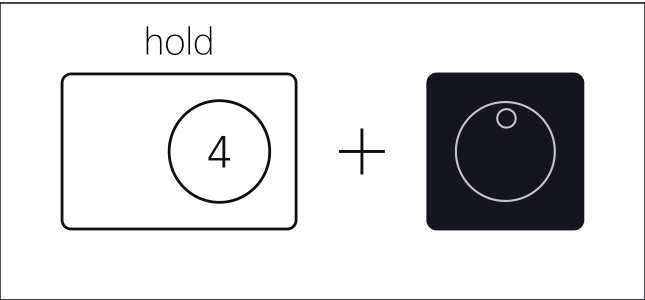
keep holding C-sharp and press steps 1, 3, 5, 7, 9, 11, 13 and 15, then release.
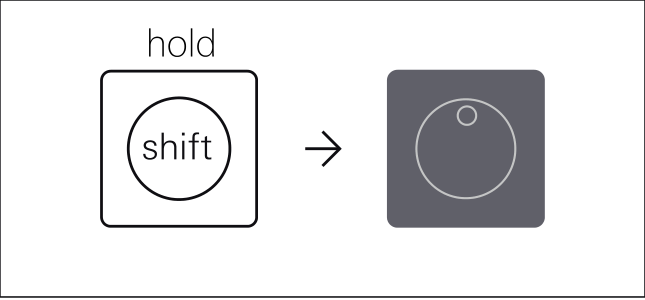
hold Shift and press the lit step 7.
step 7 starts blinking; keep Shift held.
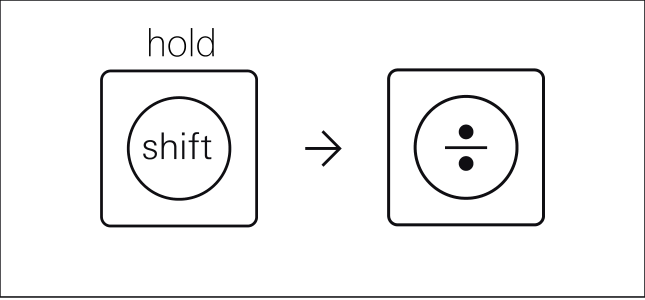
press the lowest A for Multiply.
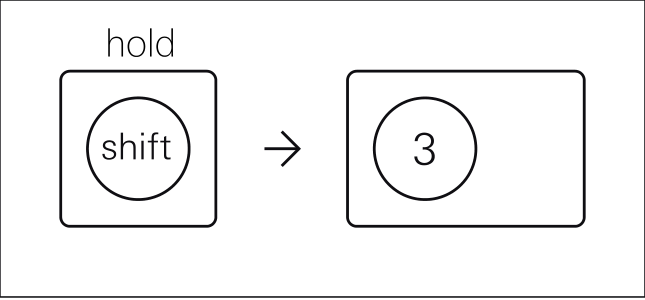
press the A-sharp labelled 3, then release Shift.
press Play: only step 7 divides into three short hats, then Stop.
hold Shift and reselect step 7; press A to remove Multiply. release Shift, Play one bar, Stop. restore it with Shift, step 7, A and A-sharp 3; release Shift, Play, then Stop.
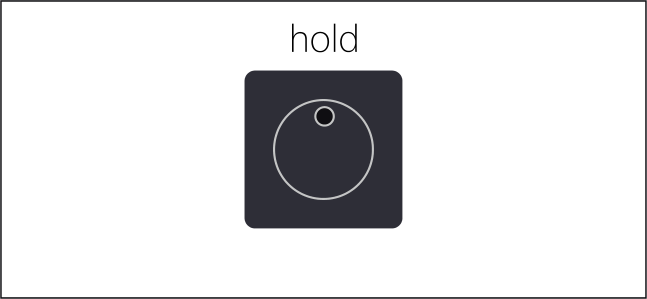
to fix a wrong note, hold its step and press that note once.
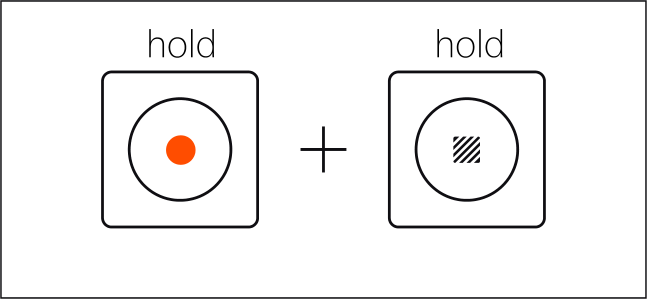
if the drum track is tangled, hold Record and Stop until the red row fills; release and rebuild track 1.
1.2. four-bar bass
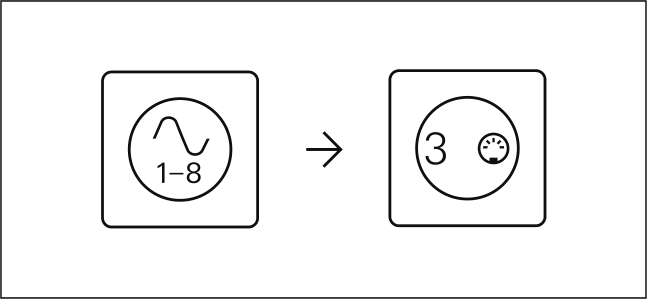
select instrument track 3. press Play and try C, A, F and G for about 30 seconds; use minus or plus for a comfortable octave, then Stop.

hold Bar and press plus three times; track 3 now spans four bars.
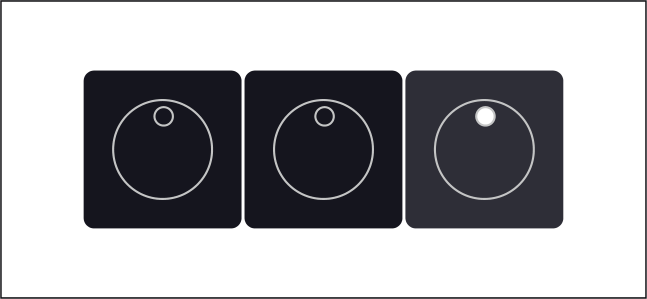
select each note before its step. in bar 1 put C C G C on steps 1, 7, 11 and 15. tap Bar; enter bar 2 on the same steps as A A E A.
tap Bar; on steps 1, 7, 11 and 15 enter bar 3 as F F C F.
tap Bar; enter bar 4 on the same steps as G G D G. press Play until the bass returns to C after four drum loops; each bar moves from root to fifth. then Stop.
1.3. held chords
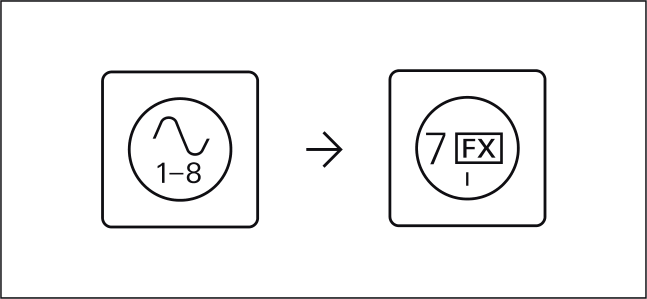
select instrument track 7 and try C E G together; change octaves if needed.
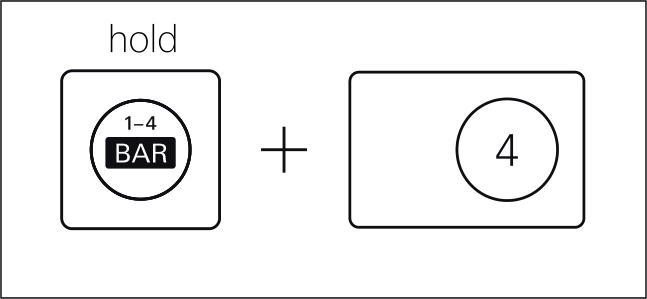
hold Bar and press the C-sharp labelled 4 so each slow step equals four ordinary steps.
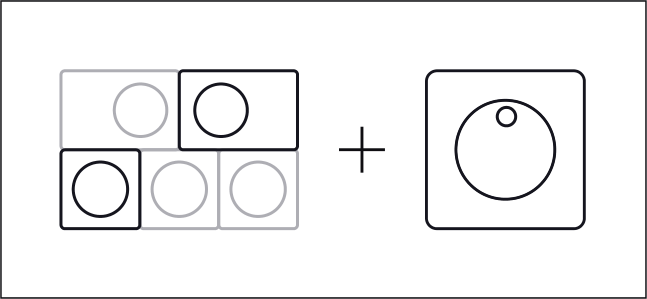
hold each chord and press its start: C E G on step 1, A C E on 5, F A C on 9, and G B D on 13.
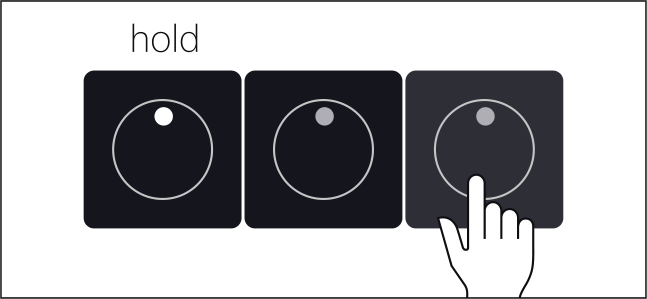
hold step 1 and press 4. extend step 5 to 8, step 9 to 12 and step 13 to 16.
press Play and hear C, A minor, F and G over the bass. for a wrong chord note, Stop, hold its step and press only that note once. Play to confirm full sustain, then Stop.
1.4. pluck answer
select instrument track 4. hold Bar and press plus three times; the pluck sequence now spans four bars.
select each note before its step. in bar 1 put E G E D on steps 3, 7, 11 and 15.
tap Bar; enter bar 2 as E C B A. tap Bar; enter bar 3 as C A G A.
tap Bar; enter bar 4 as B D G D. press Play: the pluck answers between bass attacks while the chords turn underneath. Stop after the four-bar loop returns.
1.5. four scenes
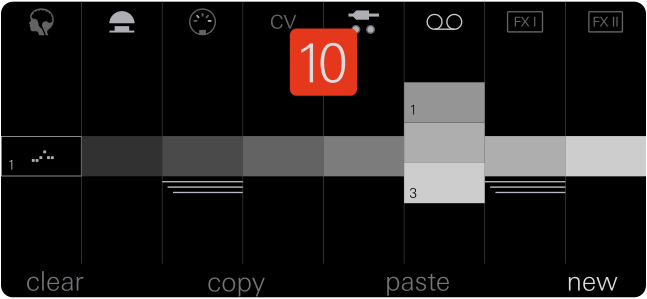
scenes remember pattern assignments and mix settings so one song can move between arrangements.
press Arrange. hold Shift and press accidental 1 for scene 1. press Mix, then M1; hold Shift and press track buttons 1 and 3 to mute drums and bass. leave strings and pluck on for the intro.
return to Arrange; hold Shift and press accidental 2. the empty scene duplicates scene 1. open Mix M1, hold Shift and press track buttons 1 and 3 to restore the full groove.
in Arrange, hold Shift and press accidental 3 to duplicate scene 2. in Mix M1, hold Shift and press track 1 to mute the drums.
return to Arrange; hold Shift and press accidental 4 to duplicate scene 3. open Mix M1 and unmute track 1.
press Play and choose scenes with Shift plus accidentals 1, 2, 3 and 4. hear intro, full groove, drumless break and full return, then Stop.
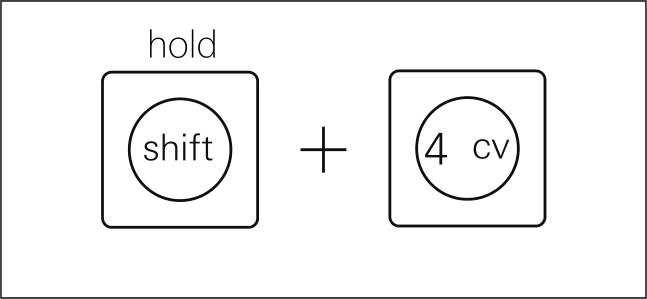
reselect the mistaken scene, open Mix M1 and hold Shift: white tracks are on, unlit tracks are muted. press only the mistaken track button. audition again, then Stop.
1.6. song, save and cold replay
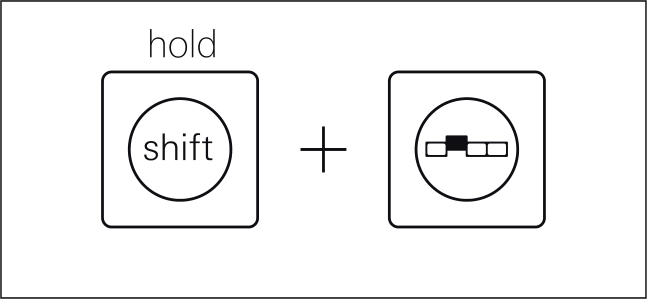
in Arrange, hold Shift and press Arrange for Song mode.
hold Shift and press M1 to clear the order.
keep Shift held and enter scenes 1–2–2–3–2–4.
turn the dark gray encoder to enable looping.
with the transport stopped, press Play once. hear intro, two full passes, drumless break, return and final scene, then Stop. if playback is already running, a second press restarts from the beginning.

for a wrong entry, hold Shift and find it with M2 or M3.

hold Shift and press M4 to remove the entry from playback, then enter the correct scene. the source scene stays intact.
press Play once. during a full scene, hold Instrument and press track 4 to mute the pluck for one chosen bar; repeat the shortcut to restore it. after playback, Stop.
press Project, then M2 to save and create a version. the guide documents this command, not a fixed success animation.
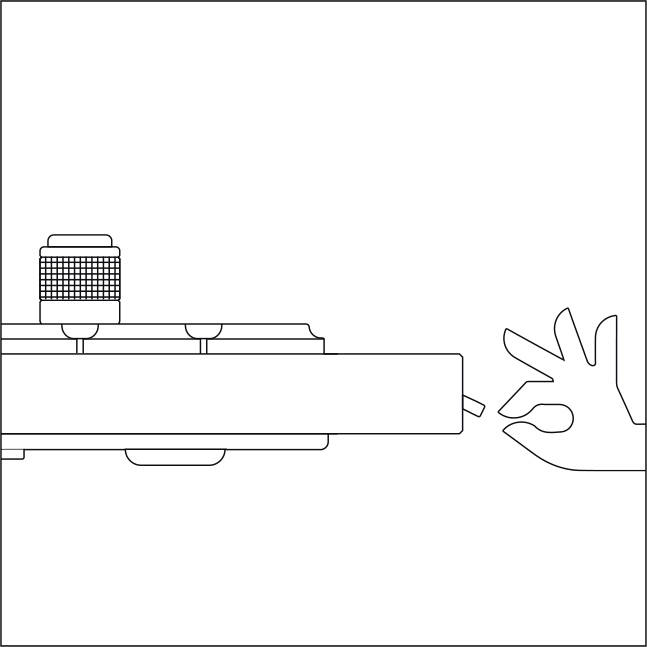
power down, then power up and wait for boot.
press Arrange, then Shift plus Arrange. with the transport stopped, press Play once. finish when all six entries, four layers, break, three-hit hat and the loop from scene 4 to 1 replay.
no physical OP–XY or novice pilot was available. confirm octave and register, chord sustain, scene duplication and mute recall, save feedback and the complete cold replay on your device.